API-First Integration: Connect TMS, WMS, and ERP Without Downtime
Your TMS, WMS, and ERP don't talk to each other. Here's how to connect them with an API integration layer — without downtime, without replacing anything.
Three Systems, Zero Integration
Here's a scene that plays out daily in logistics companies across Australia:

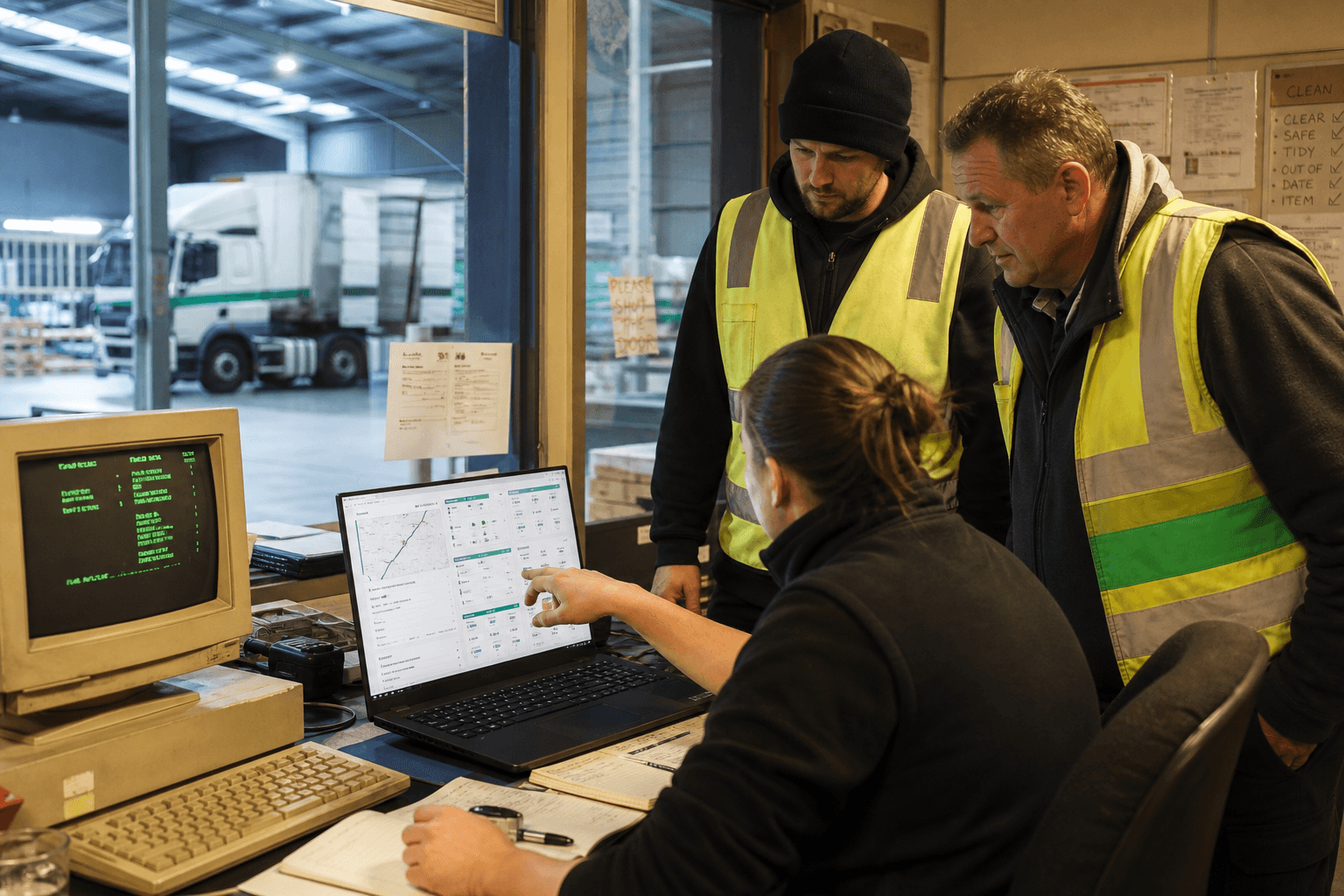
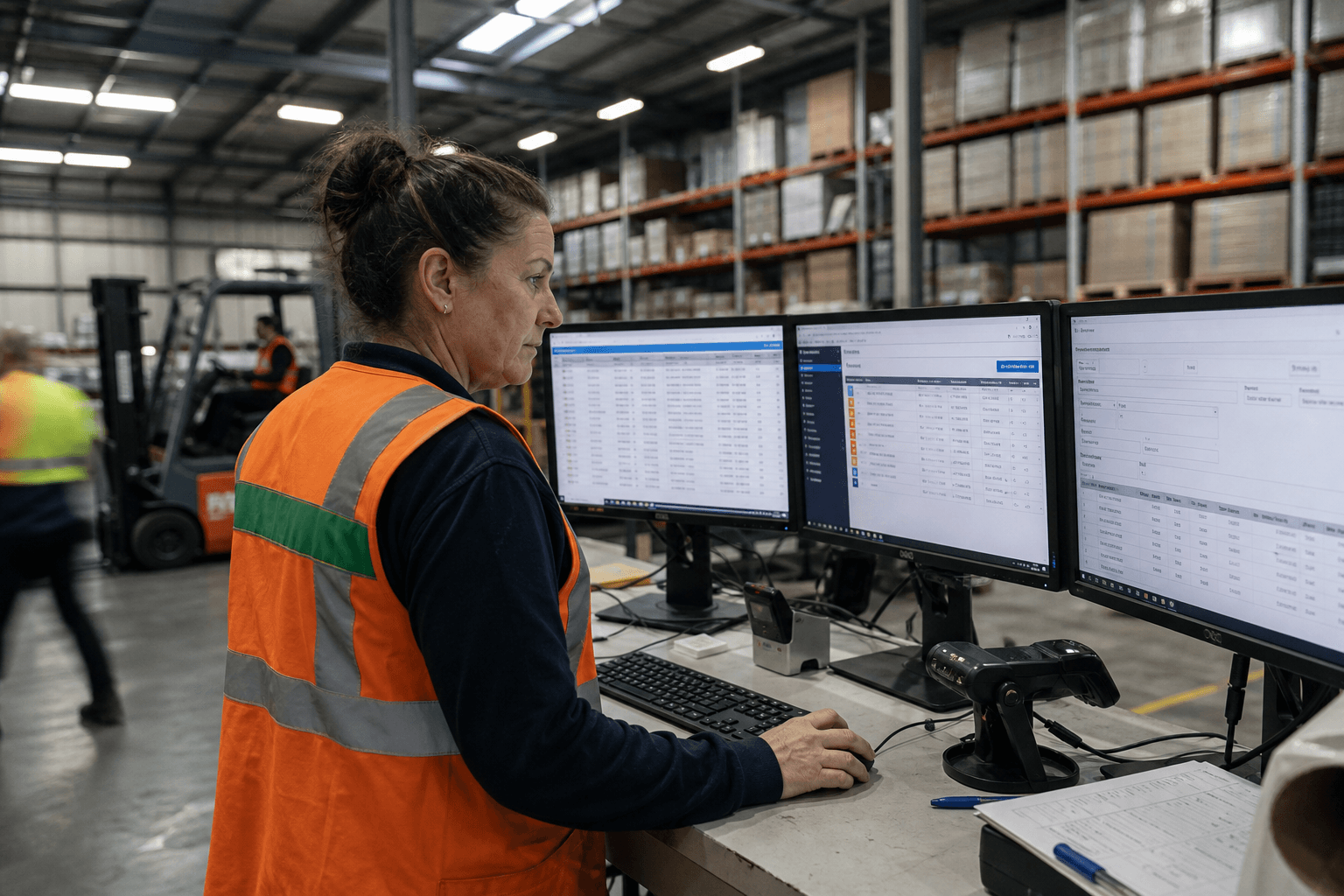
A consignment is booked in the TMS. Someone walks to another screen and enters the same details into the WMS for warehouse picking. When the order ships, someone else keys the freight charges into the ERP for invoicing. At month end, the finance team spends two days reconciling the three systems to figure out why the numbers don't match.
Three systems. Three data entries. Three chances for error. And a finance team that spends 40 hours per month on reconciliation.
This isn't a technology problem. It's an integration problem. Each system works fine on its own. They just can't talk to each other.
What API-First Integration Means
API-first integration puts a central hub between your systems. Instead of point-to-point connections (TMS→WMS, WMS→ERP, TMS→ERP), each system connects once to the hub, and the hub handles translation, routing, and synchronisation.
How It Works
Step 1: Connect Each system connects to the hub through whatever interface it supports. Modern systems have APIs. Older systems might use database connections, file exports, or webhooks. The hub adapts to each system's native interface.
Step 2: Translate A "consignment" in your TMS is an "order" in your WMS and an "invoice line" in your ERP. The hub maps these concepts, translating data formats, field names, and business rules as data flows between systems.
Step 3: Route When a new consignment is created in the TMS, the hub automatically triggers warehouse pick creation in the WMS. When the WMS confirms dispatch, the hub triggers invoice creation in the ERP. No manual handoffs.
Step 4: Synchronise Stock levels, consignment status, customer data, and financial records stay consistent across all systems. Changes in one system propagate automatically.
The Business Case
For a typical mid-market logistics operator (200-500 consignments/day):
| Cost Area | Before Integration | After Integration |
|---|---|---|
| Manual data entry | 4-6 staff hours/day | Eliminated |
| Data entry errors | 3-5% error rate | <0.5% |
| Month-end reconciliation | 40+ hours/month | 4 hours (review only) |
| Order-to-invoice cycle | 3-5 days | Same day |
| Customer status queries | Manual lookup, 10+ min | Self-service, real-time |
The labour saving alone is typically $80,000-$150,000 per year. But the bigger value is in faster invoicing (improved cash flow), fewer errors (fewer credit notes and customer disputes), and real-time visibility (better operational decisions).
Implementation Approach
Phase 1: TMS → WMS (Weeks 1-6)
The highest-value connection for most operators. Consignment creation in TMS automatically triggers pick lists in WMS. Dispatch confirmation in WMS automatically updates consignment status in TMS.

Quick win: Eliminate the "walk to another screen and retype" workflow. Your warehouse team gets pick lists automatically within minutes of booking.
Phase 2: WMS → ERP (Weeks 5-10)
Dispatch events trigger invoice creation. Received goods trigger purchase order matching. Stock movements update financial inventory records.
Quick win: Same-day invoicing instead of waiting for the admin team to process dispatch paperwork.
Phase 3: TMS → ERP (Weeks 8-12)
Freight charges flow directly from TMS rate calculations to ERP billing. Customer master data stays synchronised.
Quick win: Eliminate month-end reconciliation between transport revenue and accounting records.
Phase 4: External Connections (Weeks 10-16)
Customer portals, supplier integrations, carrier partner connections. The hub already has your data flowing — extending it to external parties is incremental.
Zero Downtime
The integration layer sits alongside your existing systems. It doesn't modify them. During implementation:
- Your team keeps using all three systems exactly as they do today
- The hub runs in parallel, syncing data in the background
- When confidence is high (typically after 2 weeks of parallel running), manual handoffs are switched off
- If anything goes wrong, the fallback is the manual process — which is what you're already doing
There's no "go-live day" where everything changes at once. It's a gradual transition from manual to automated, with rollback available at every step.
Common Integration Challenges
Data quality: Your TMS and WMS might disagree on customer names, product codes, or location identifiers. The integration project forces you to clean this up — which is painful but valuable. Once master data is aligned, it stays aligned.
Business rules: "When does an order become an invoice?" sounds simple until you discover that your TMS, WMS, and ERP each have different rules about partial shipments, split orders, and credit holds. Mapping these rules is the most time-consuming part of integration — not the technical connection.
Change management: Your team has spent years working around the lack of integration. They have processes, shortcuts, and habits built on manual handoffs. Removing those handoffs means changing workflows. Invest in training and give people time to adjust.
Modern logistics operations require seamless data flow between your core systems. Our legacy modernisation service helps bridge the gap between older systems and modern integration requirements, while our custom AI solutions can automate the complex data mapping and transformation processes that make real-time system integration possible.
What You Need to Get Started
- Access to each system — database credentials, API keys, or file export locations
- A business process map — how data flows between systems today (including all the informal workarounds)
- A data dictionary — what each field means in each system and how they map to each other
- A champion in each team — someone who knows the system, knows the workarounds, and can validate that the integration is working correctly
Most of this exists in people's heads. The integration project extracts it into documentation, which is valuable in its own right.
Zero Footprint
The Zero Footprint team — AI modernisation for Australian logistics.