Document Intelligence: Automating Bills of Lading, Customs, and PODs
Your admin team is keying the same data into three systems. AI document intelligence reads, extracts, and files logistics paperwork automatically — cutting errors and freeing up your people.
The Same Data, Typed Three Times
In a typical logistics operation, a single shipment generates 8-15 documents: booking confirmation, bill of lading, customs declaration, commercial invoice, packing list, proof of delivery, freight invoice, and various regulatory certificates.
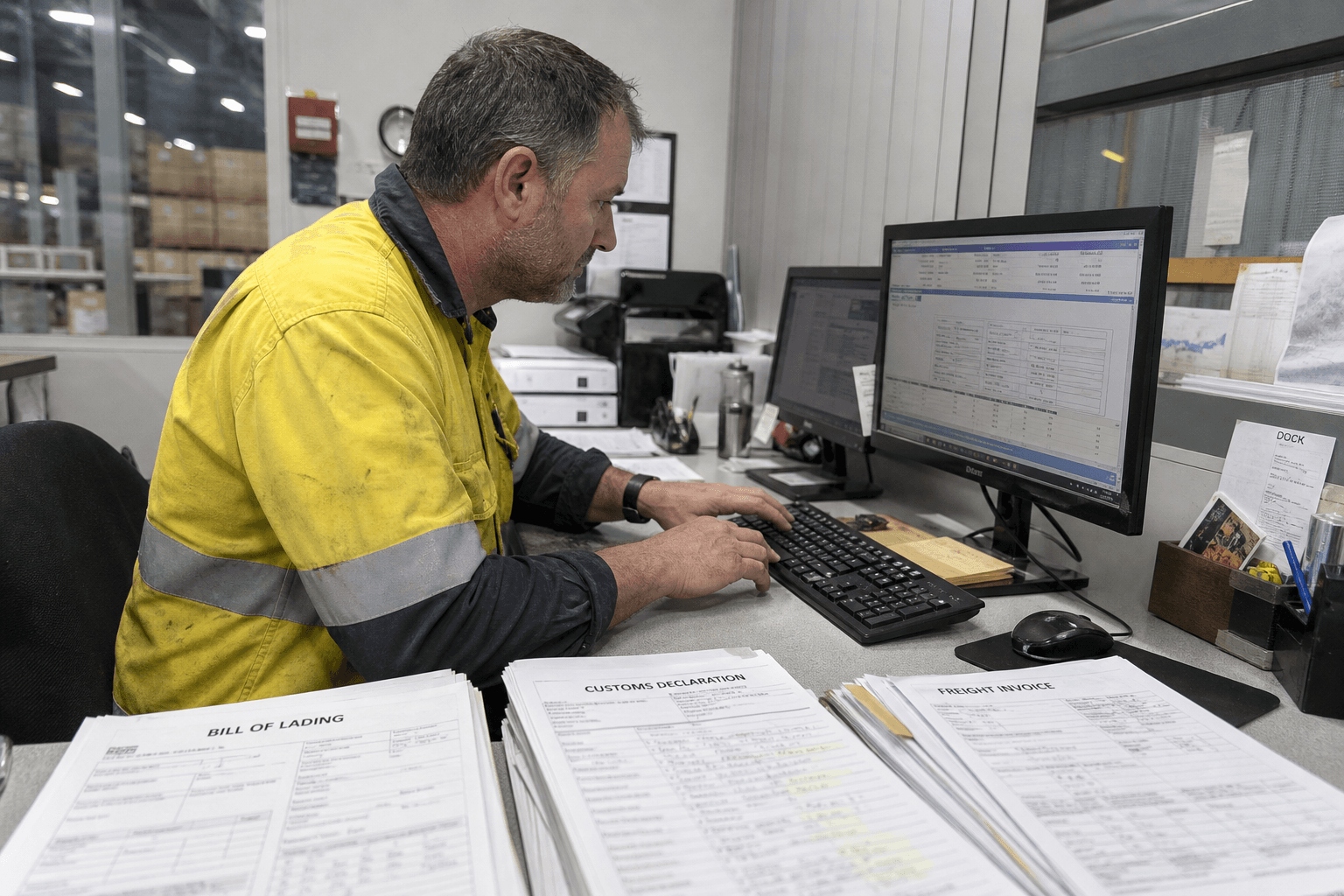
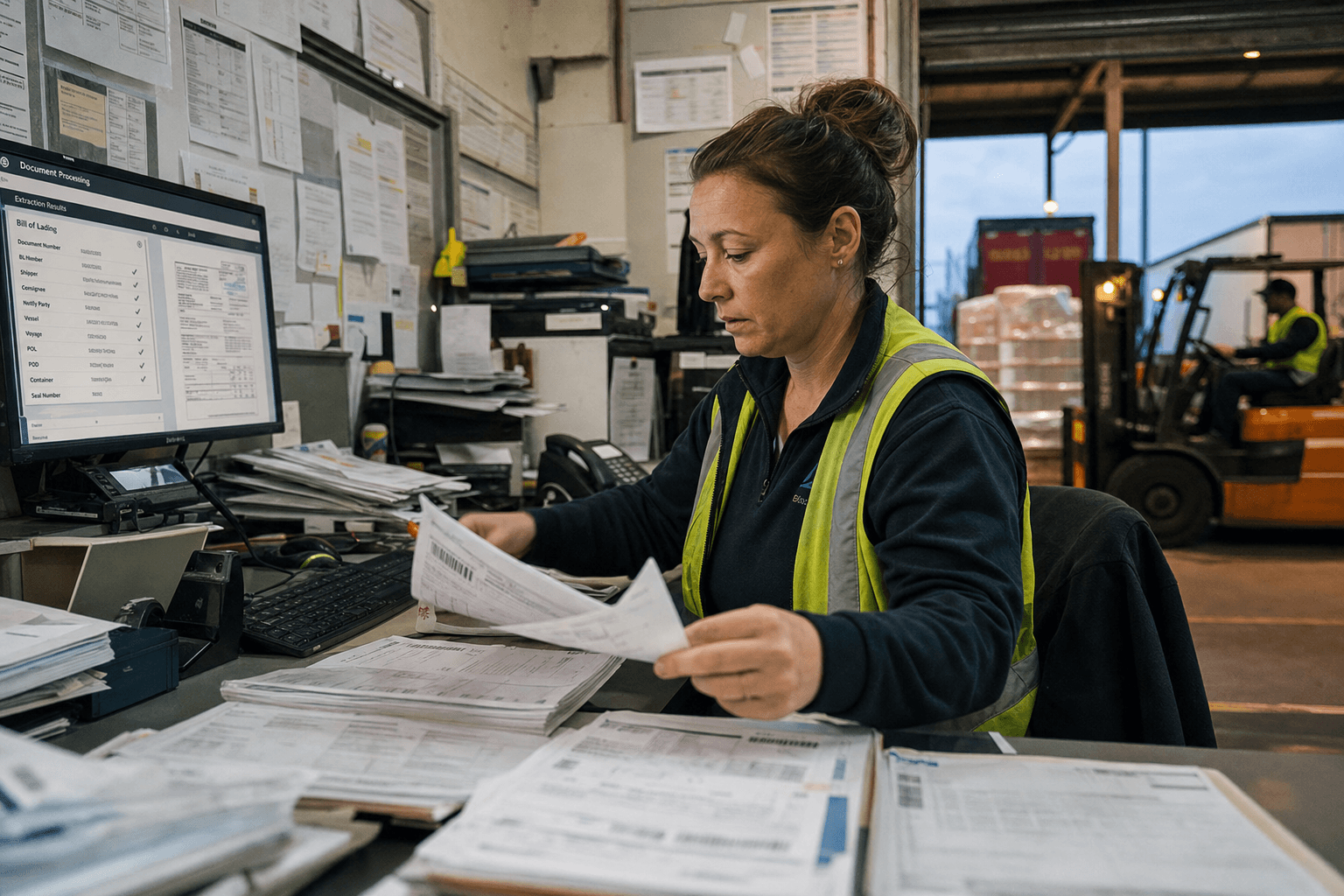
Each document contains overlapping data — consignment number, sender, receiver, weight, dimensions, description of goods. And each time that data needs to enter a system, someone types it manually.
A freight forwarder processing 200 shipments per day has admin staff keying the same information into their TMS, customs lodgement system, and accounting platform. That's 600+ data entry events per day, with a typical 3-5% error rate. Each error triggers a correction cycle — a query, a check against the source document, a fix, and sometimes a re-lodgement.
What Document Intelligence Does
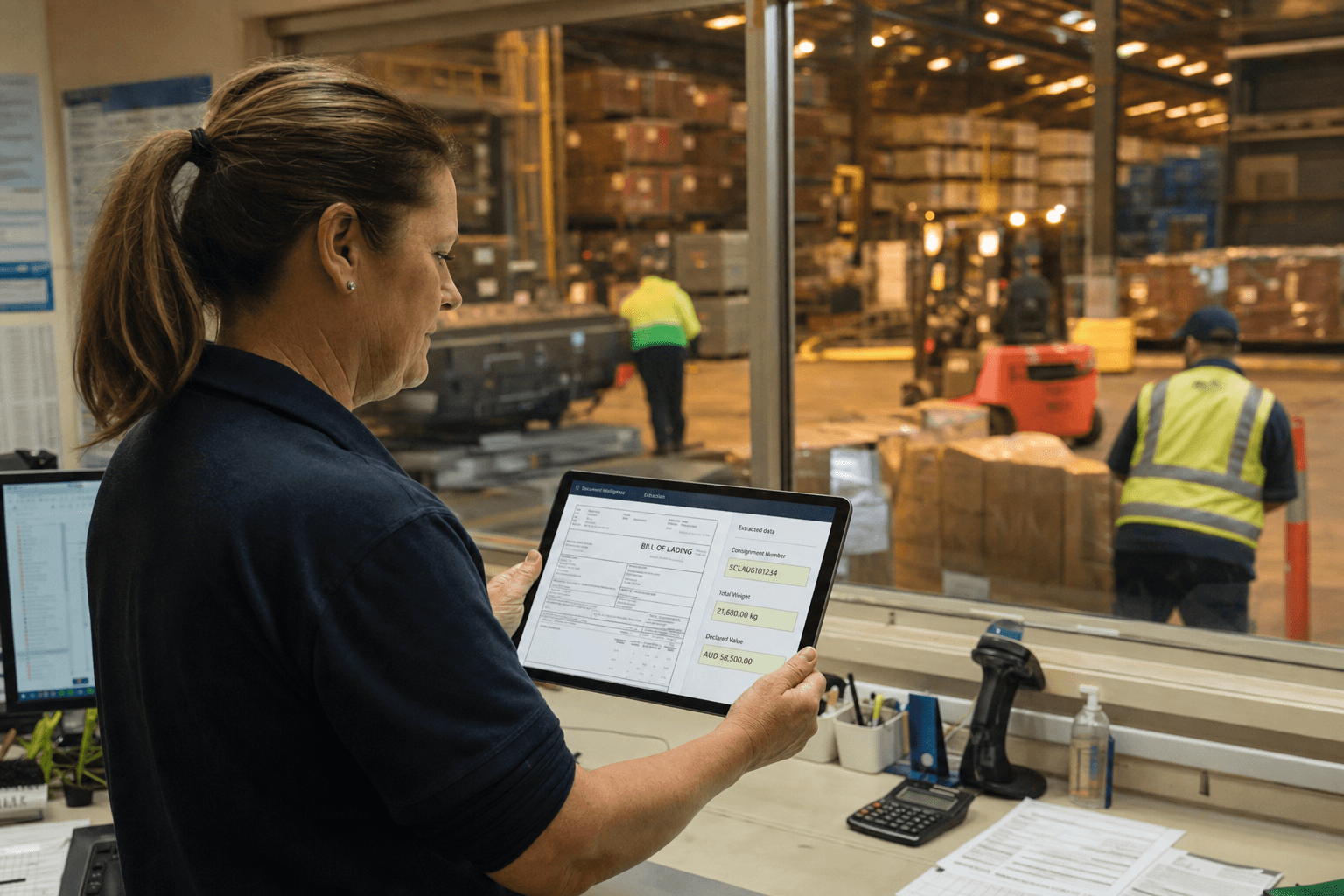
Document intelligence uses AI to read, extract, validate, and route data from logistics documents automatically. It's not just OCR (optical character recognition) — it understands document structure, validates extracted data against business rules, and handles exceptions.
The Pipeline
1. Intake: Documents arrive from multiple sources — email attachments, scanner feeds, customer portals, EDI messages, even photos taken on a phone.
2. Classification: The system identifies the document type. Bill of lading? Customs declaration? POD? Commercial invoice? This determines which extraction template to apply.
3. Extraction: AI reads the document and extracts structured data — consignment number, parties, quantities, weights, descriptions, dates. For structured documents (invoices, BOLs with standard layouts), accuracy exceeds 99%. For semi-structured documents (handwritten PODs), accuracy is 95-98% with confidence scores.
4. Validation: Extracted data is checked against business rules. Does the weight match the booking? Does the consignment number exist in the TMS? Is the declared value within normal range for this product? Mismatches are flagged for human review.
5. Routing: Validated data flows to the right systems automatically. BOL data goes to the TMS. Customs data goes to the lodgement system. Invoice data goes to accounts payable.
6. Exception handling: Documents that fail classification, extraction, or validation are queued for human review. Your team only sees what needs attention — typically 5-10% of documents.
Document Types in Logistics
| Document | Volume | Extraction Complexity | Automation Potential |
|---|---|---|---|
| Freight invoices | Very high | Low (structured) | 95%+ |
| Bills of lading | High | Medium (semi-structured) | 90%+ |
| Customs declarations | Medium-high | Low (structured forms) | 95%+ |
| Proof of delivery | High | Medium (often handwritten) | 85%+ |
| Packing lists | Medium | Medium (variable formats) | 85%+ |
| Certificates of origin | Low | Medium | 85%+ |
| Dangerous goods declarations | Low | Low (structured) | 95%+ |
Real Numbers
Customs Broker
Before: 15 staff processing 800+ customs declarations per week. Average processing time: 12 minutes per declaration.
After: Automated extraction handles 85% of declarations without human intervention. Processing time for automated declarations: 90 seconds. Staff reduced to 6 (handling exceptions and complex declarations). Annual saving: $320,000 in labour costs, plus faster lodgement times improving client satisfaction.
Freight Forwarder
Before: Invoice reconciliation across 200 carrier accounts. Finance team of 4 spending 3 days per week matching invoices to POs and delivery receipts.
After: Automated invoice matching processes 95% of invoices automatically. Catches billing discrepancies that manual checking missed. First quarter: identified $180,000 in overcharges from carriers. Ongoing: finance team spends 4 hours per week on exception review instead of 96.
The Technology
Modern document intelligence uses three layers of AI:
Computer vision: Identifies text regions, tables, handwriting, stamps, and signatures. Handles rotated pages, poor scan quality, and multi-page documents.
Natural language processing: Understands context. "Gross weight" vs "net weight" vs "tare weight" — the system knows which field maps where based on document context, not just label matching.
Machine learning: Improves over time. Each correction your team makes trains the system. After 1,000 documents of a particular type, accuracy plateaus at 98-99%.
You don't need to train the system from scratch. Pre-trained models handle standard logistics documents out of the box. Custom training is only needed for your organisation's specific document formats.
Document intelligence is part of a broader AI readiness assessment that evaluates your current systems and processes. Our document intelligence service can integrate with existing logistics platforms or work alongside legacy system modernisation to create seamless data flows across your operation.
Getting Started
Start with one document type
Pick the document that causes the most manual work — usually freight invoices or customs declarations. Automate that one pipeline end-to-end before expanding.
Measure your baseline
Before automation, measure: documents per day, time per document, error rate, and cost of errors. You need these numbers to calculate ROI and prove the business case.
Plan for exceptions
The system won't handle 100% of documents automatically. Design the exception workflow — how flagged documents reach reviewers, how corrections feed back into the system, and how you track accuracy over time.
Expect a 3-month ramp
Month 1: system handles 70-80% of target documents. Month 2: 85-90% as the model learns your specific formats. Month 3: 90-95% steady state. The remaining 5-10% are genuine exceptions that need human judgement.
Assess your document automation opportunity →
Ready to stop typing the same data three times? Our document intelligence solutions integrate with your existing systems to automate data extraction and reduce manual entry errors. Contact us to discuss how AI can streamline your logistics paperwork and free up your admin team for higher-value work.
Zero Footprint
The Zero Footprint team — AI modernisation for Australian logistics.