How to Modernise Your WMS Without Ripping It Out
Your WMS is 15 years old and your e-commerce platform can't talk to it. Here's how to add modern capabilities without the risk and cost of a full replacement.
The WMS You Can't Replace (Yet)
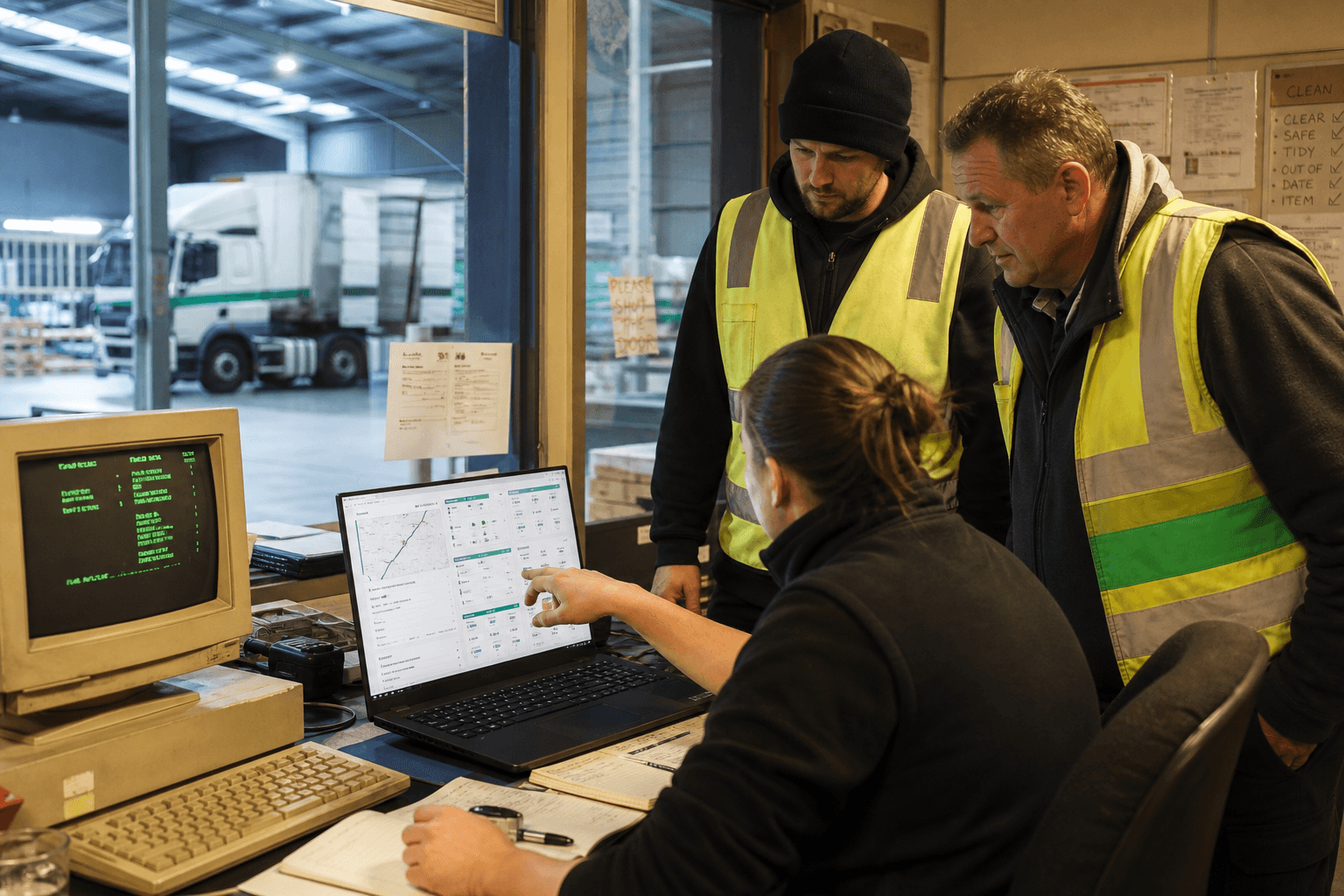
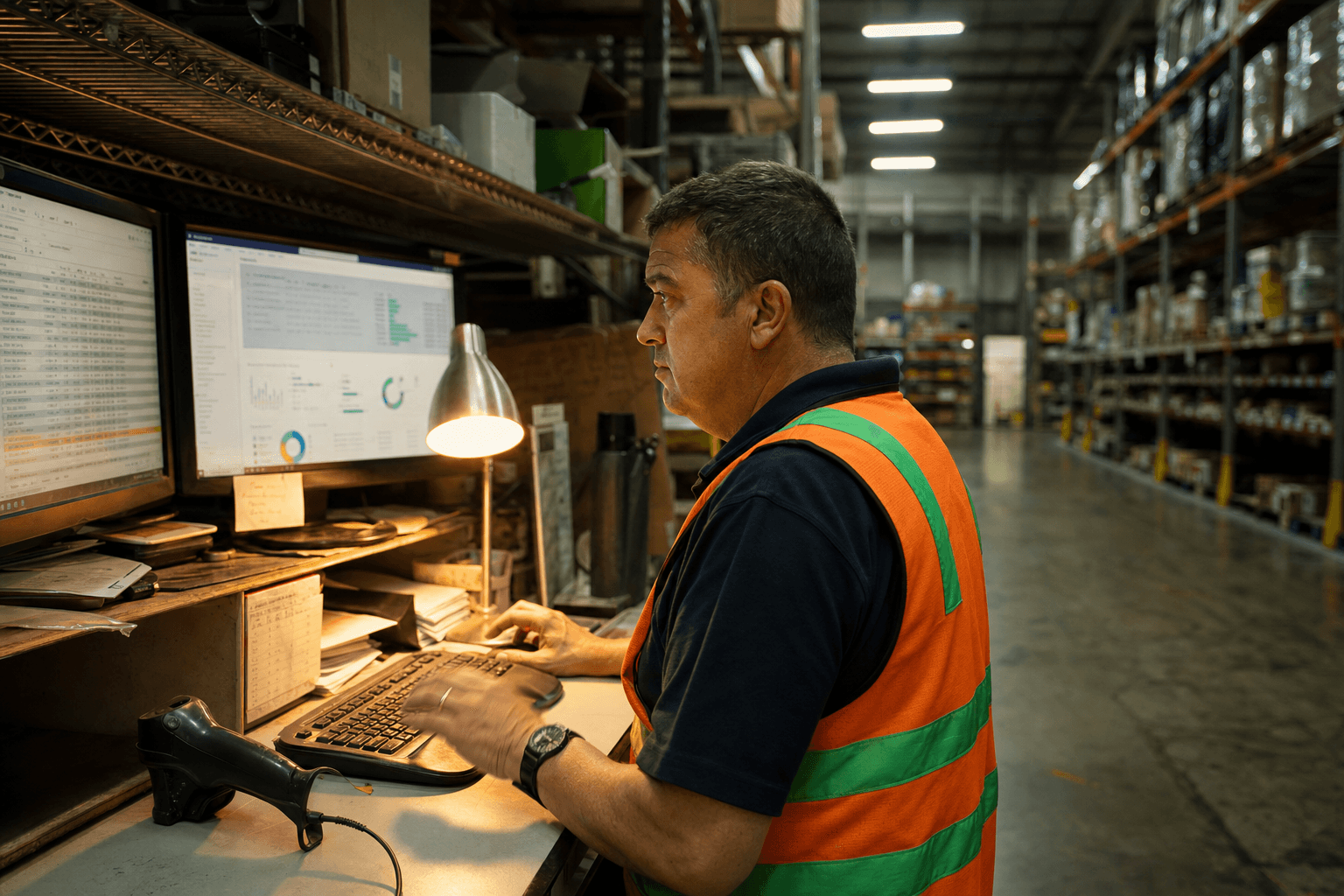
Your warehouse management system is old. Maybe it runs on an AS/400. Maybe it's a custom Access database that someone built in 2009. Maybe it's a commercial product that the vendor stopped supporting three years ago.
It works. Your warehouse team knows it. Picking accuracy is fine. Stock levels are mostly right. But it can't do any of the things your customers and partners now need:
- Real-time inventory visibility via API
- Integration with your new e-commerce platform
- Automated receiving from supplier ASN feeds
- Pick-to-light or voice picking integration
- Multi-warehouse stock balancing
The obvious answer — replace it — is also the most dangerous. WMS replacements are notoriously risky. They take 12-18 months, cost $300K-$800K for mid-market operations, and the go-live period can disrupt warehouse operations for weeks.
The Integration Layer Approach
Instead of replacing the WMS, build an integration layer that:
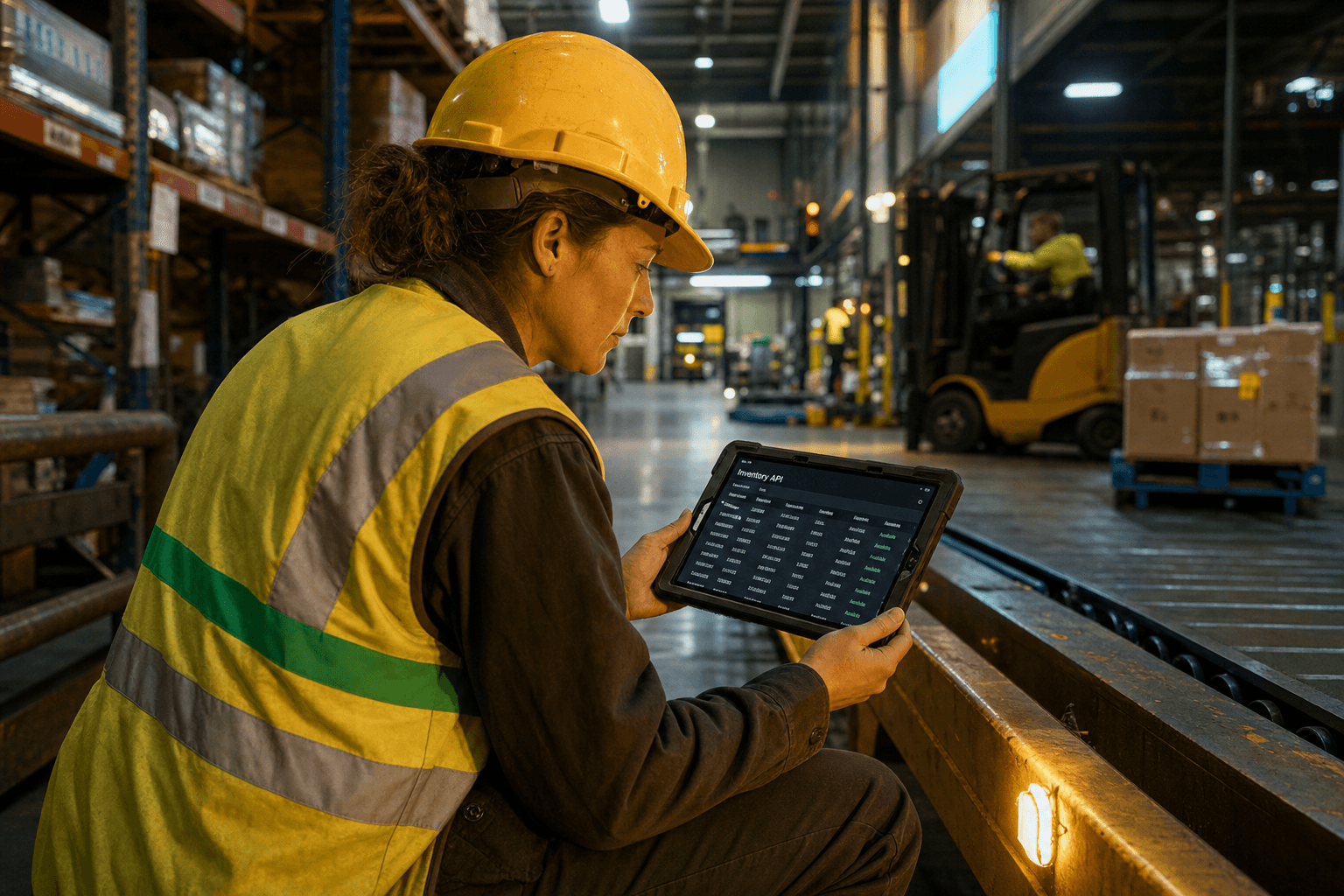
- Reads data from the WMS through whatever interface is available (database connection, file exports, or screen scraping)
- Exposes that data through modern APIs that your other systems can consume
- Writes back to the WMS when external systems need to update it (new orders, stock adjustments)
- Adds new capabilities that sit alongside the WMS rather than inside it
What This Looks Like in Practice
Before: Your e-commerce platform can't check stock levels. Someone manually checks the WMS and updates the website twice a day. Customers order out-of-stock items. Your team spends 2 hours per day on stock sync.
After: The integration layer reads stock levels from the WMS every 5 minutes and exposes them via API. Your e-commerce platform checks real-time stock before accepting orders. Out-of-stock orders drop to near zero. The 2 hours per day of manual sync disappears.
The WMS hasn't changed. Your warehouse team's workflow hasn't changed. But your e-commerce platform now has real-time inventory data.
Five Common Integration Patterns
Pattern 1: Database View
If you can access the WMS database directly (common with older SQL-based systems), create read-only database views that expose the data you need. The integration layer queries these views and serves the data via API.
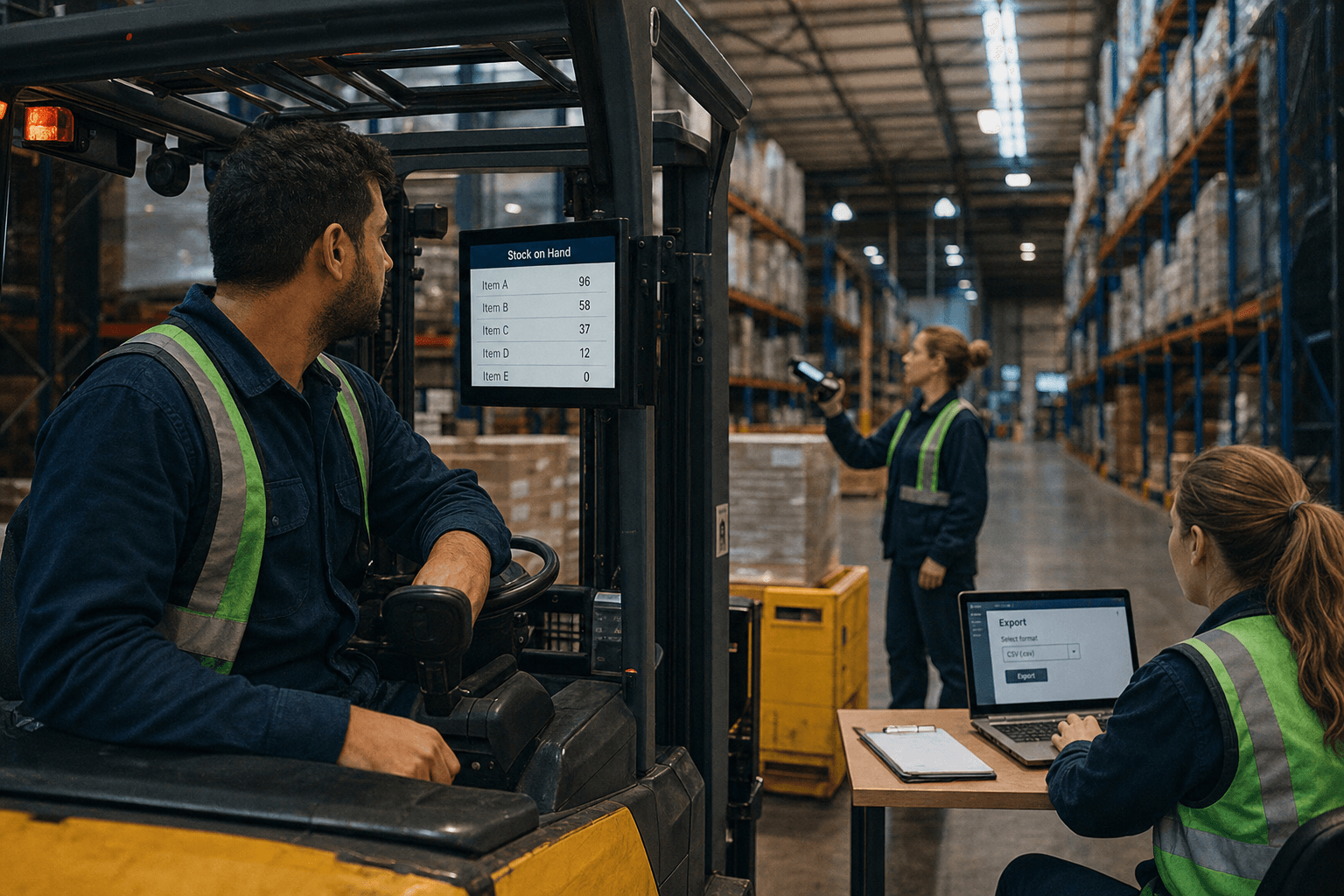
Best for: Systems with accessible databases (SQL Server, Oracle, PostgreSQL) Risk level: Low (read-only — can't break anything) Timeline: 2-4 weeks
Pattern 2: File-Based Integration
Many legacy WMS systems can export data as CSV or XML files on a schedule. The integration layer watches a folder, processes new files, and updates its API accordingly.
Best for: Systems with export/report capabilities but no API or database access Risk level: Very low Timeline: 2-3 weeks
Pattern 3: Screen Scraping
For truly locked-down systems where you can't access the database or files, RPA (robotic process automation) can read screens and extract data programmatically.
Best for: Black-box systems with no other integration option Risk level: Medium (breaks if the UI changes) Timeline: 4-6 weeks
Pattern 4: Event Bridge
For write-back scenarios (e.g., new orders from e-commerce into the WMS), build a queue-based event bridge. External systems publish events (new order, stock adjustment) and the bridge translates them into WMS-compatible inputs.
Best for: Bidirectional integration Risk level: Medium (writing to the WMS requires careful testing) Timeline: 4-8 weeks
Pattern 5: Sidecar Application
For entirely new capabilities (pick-to-light, voice picking, advanced analytics), build a sidecar application that runs alongside the WMS. It reads from the WMS for context but manages its own workflow.
Best for: Adding capabilities the WMS was never designed to handle Risk level: Low (independent of WMS operation) Timeline: 6-12 weeks
A Real Example
A warehousing operator with 5 sites, each running the same 15-year-old WMS with no API:
Problem: Their new e-commerce customer required real-time inventory API, order status webhooks, and multi-warehouse stock visibility. The WMS couldn't provide any of this.
Solution: Database views (Pattern 1) for inventory data, event bridge (Pattern 4) for order injection, and a sidecar dashboard (Pattern 5) for multi-warehouse visibility.
Timeline: 10 weeks from start to production Cost: $85,000
Result: Won the e-commerce contract (worth $1.2M annually), eliminated 15 hours/week of manual data transfer between sites, and gave their own management team real-time visibility across all 5 warehouses for the first time.
The WMS? Still running. Still the same version. Warehouse staff didn't need retraining.
If your warehouse system is struggling with modern integration requirements, a legacy modernisation approach can bridge the gap between your existing WMS and today's digital demands. For businesses looking to optimise their entire supply chain, route optimisation solutions can work alongside your updated system to improve delivery efficiency and customer satisfaction.
When to Actually Replace
The integration layer approach works well when the WMS handles core warehouse operations adequately. Consider replacement when:
- The WMS can't handle your current volume (performance issues during peak)
- The underlying platform is end-of-life with security risks
- You're fundamentally changing your warehouse model (e.g., from pallet-based to piece-picking)
- The total cost of workarounds exceeds the cost of replacement
For most mid-market operators, that tipping point is 3-5 years away. The integration layer buys you time and capability while you plan the eventual transition.
Discuss your WMS modernisation options →
Ready to modernise your warehouse management system without the disruption of a full replacement? Our team specialises in practical legacy system upgrades that deliver real operational improvements. Get in touch to discuss how we can help bridge your WMS into the modern era while keeping your operations running smoothly.
Zero Footprint
The Zero Footprint team — AI modernisation for Australian logistics.